
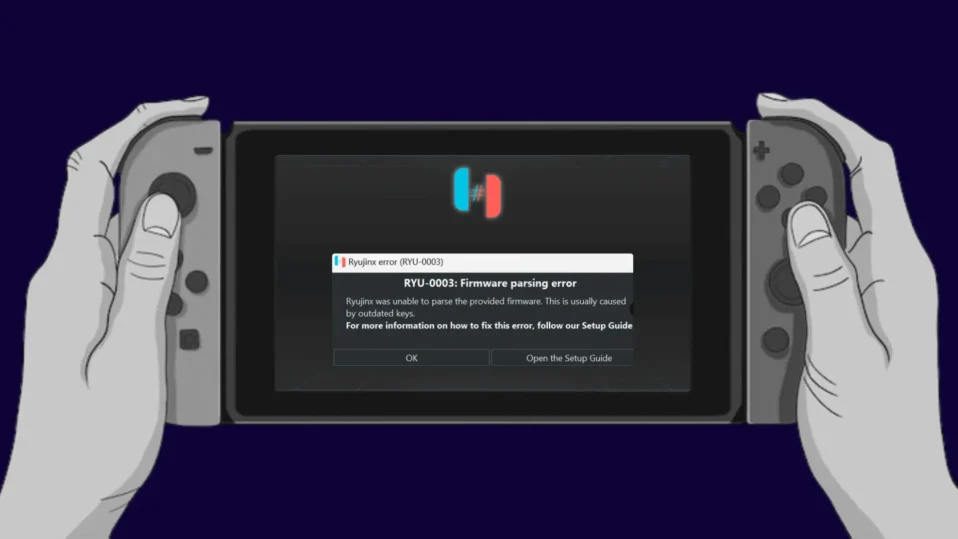
The “Ryu-0003 Firmware Parsing Error” in Ryujinx is usually caused by corrupted, incompatible, or incorrectly installed firmware files. Fixing it involves updating the emulator, reinstalling the correct firmware, and ensuring proper file placement.
If you’re using Ryujinx, you may sometimes encounter the “Ryu-0003 Firmware Parsing Error.” This issue appears when the emulator fails to properly read or process Nintendo Switch firmware files.
This error is quite common and usually not serious. In most cases, it can be fixed within a few minutes by correcting your firmware setup or updating your emulator.
How to Find and Transfer Ryujinx Save Files (Complete Guide for Backup & Restore)
What Causes the Ryu-0003 Firmware Parsing Error?
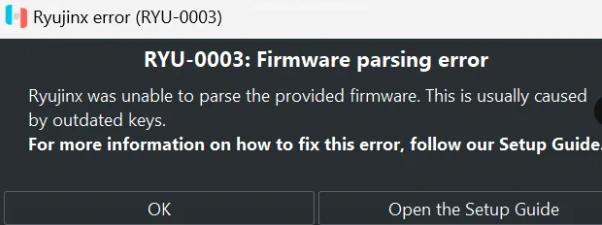
The error occurs when Ryujinx cannot correctly interpret firmware files. This can happen due to several reasons.
The most common cause is corrupted or incomplete firmware files. If your firmware download was interrupted or damaged, Ryujinx won’t be able to read it.
Another frequent reason is firmware version mismatch. If your firmware is too old or not supported by your current Ryujinx version, the emulator may fail to load it properly.
How to Fix Firmware Parsing Error in Ryujinx (Possible Fix)
To fix the Firmware Parsing error in Ryujinx, you need to install the latest Ryujinx firmware along with matching prod.keys
In most cases, this issue is caused by outdated or incompatible keys, which prevent the emulator from properly reading the Switch firmware.
Even though the error message clearly points to this, many users still struggle to install the firmware correctly. If you’re facing the same problem, the solutions below will help you resolve it.
1. Update Ryujinx Emulator
Start by making sure you are using the latest version of Ryujinx.
New updates often fix bugs and improve firmware compatibility. Download the latest build from a trusted source and install it.
2. Reinstall the Firmware Properly
Open Ryujinx and go to:
Tools → Install Firmware → Install from ZIP/XCI
Select your firmware file and confirm installation.
Wait for the success message before closing the emulator.
3. Use Latest and Compatible Prod.Keys
Make sure you are using the latest and compatible prod.keys with your firmware.
Outdated or mismatched keys are one of the main reasons behind firmware parsing errors. Always replace old keys with the updated version that matches your installed firmware to ensure proper decryption and smooth emulator performance.
4. Use Correct and Compatible Firmware
Make sure your firmware version matches your emulator version.
Using outdated firmware or unsupported versions can trigger parsing errors. Always keep your firmware updated for better compatibility.
5. Check for Corrupted Firmware Files
If the error continues, your firmware file may be damaged.
Delete the existing firmware and download a fresh copy. Then reinstall it again in Ryujinx.
6. Perform a Clean Installation
If nothing works, try a clean setup:
- Uninstall Ryujinx
- Delete leftover folders from AppData
- Reinstall the emulator
- Install the firmware again
This removes any hidden conflicts or broken files.
7. Avoid Long or Complex File Paths
Sometimes, long folder paths can cause parsing issues.
Move your firmware file to a simple location like:C:\Firmware\
Then install it again.
8. Check Antivirus or Firewall Interference
Security software can sometimes block emulator processes.
Temporarily disable your antivirus or add Ryujinx as an exception, then try again.
Additional Tips to Prevent This Error
- Always use complete and verified firmware files
- Keep Ryujinx and firmware updated
- Avoid modifying firmware files manually
- Restart the emulator after installation
Following these steps reduces the chances of facing this error again.
Final Thoughts
The “firmware parsing error (Ryu 0003) in ryujinx?” may look technical, but it’s usually caused by simple issues like corrupted files or a version mismatch.
By reinstalling firmware correctly and keeping everything updated, you can fix the problem quickly and continue playing your games without interruptions.
