
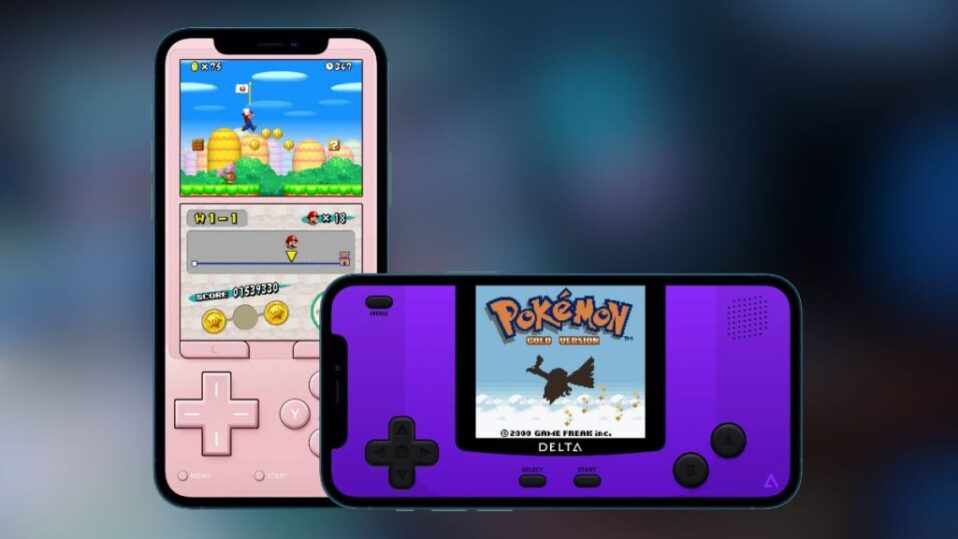
The Delta Emulator is a popular choice for playing retro Nintendo DS games on iOS devices. It offers a smooth and user-friendly experience, making it easy for users to enjoy classic games.
However, to run Nintendo DS games properly, the emulator requires specific BIOS files. These files help the emulator replicate the original console’s system functions.
Required DS BIOS Files
To run DS games on Delta, you need the following files:
- bios7.bin
- bios9.bin
- firmware.bin
Make sure you have these files before proceeding.
Step-by-Step Guide to Add DS BIOS Files
Follow these simple steps:
- Open the Delta Emulator app.
- Go to the Settings menu.
- Scroll and select Nintendo DS under Core Settings.
- Locate the DS BIOS Files section.
- Tap each file option and import the required BIOS files from your device.
- After adding all files, your setup is complete.
Now, you can load your games and start playing.
How to Start Playing DS Games
- Go to the Nintendo DS section inside the emulator.
- Tap the “+” (Add Game) button.
- Import your game ROM file and launch it.
Why DS BIOS Files Are Important
BIOS files are essential for proper emulation. They:
- Initialize the Nintendo DS system
- Ensure better game compatibility
- Improve performance and stability
- Enable features like touchscreen and wireless functions
Without the correct BIOS files, games may not run properly or may crash.
Frequently Asked Questions (FAQs)
What happens if BIOS files are missing?
If BIOS files are not added, the emulator may show errors, fail to boot, or crash while loading games.
Is it safe to use BIOS files in emulators?
Using BIOS files is safe if they are obtained from trusted and legitimate sources and used properly within the emulator.
Final Thoughts
Setting up BIOS files in the Delta Emulator is a quick but essential step for smooth Nintendo DS emulation. Once configured correctly, you can enjoy a seamless and stable gaming experience on your iOS device.
